
A new HUD for FiveM servers.
The whole screen, and every part of it set in game. One resource, and everything on this list ships inside it.
On screen
- Player states
- 10, in 5 shapes
- Dashboards
- 10, in 4 vehicle classes
- Crosshair
- 7 shapes
- Minimap
- round or square, 3 compasses
- Info row
- job, wallet, bank, clock, weather
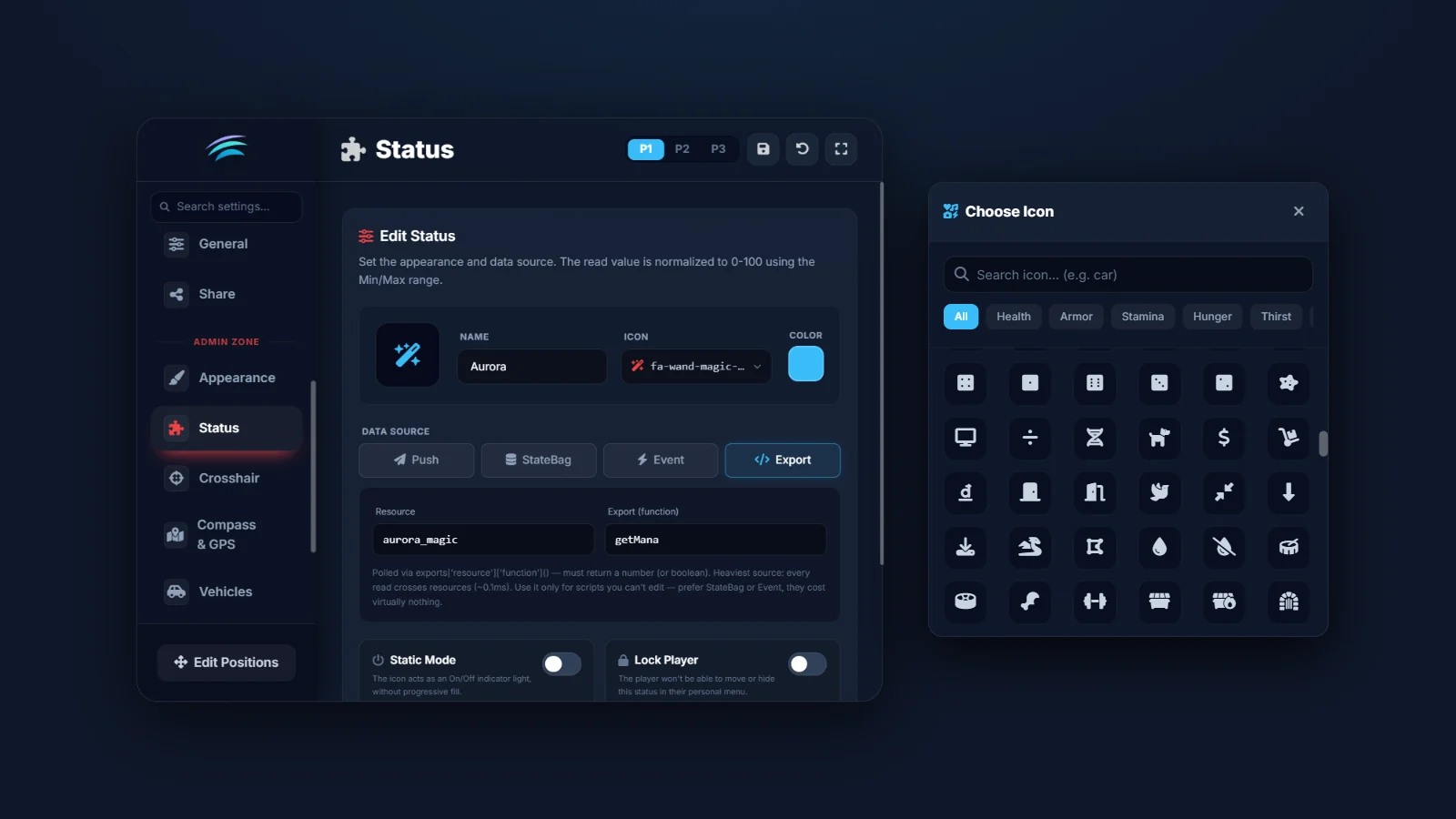
- Custom statuses
- radiation, infection, anything
In the menu
- Tabs
- 16 - 8 player, 8 admin
- Saved per player
- 3 presets
- Languages
- 5
- Currency formats
- 12
- Admin side
- behind its own ace
Around it
- Frameworks
- 3, plus standalone
- Resources read by name
- 28
- Dependencies
- 2
- Left in config/
- which of your scripts it talks to
The engine
One engine, five identities
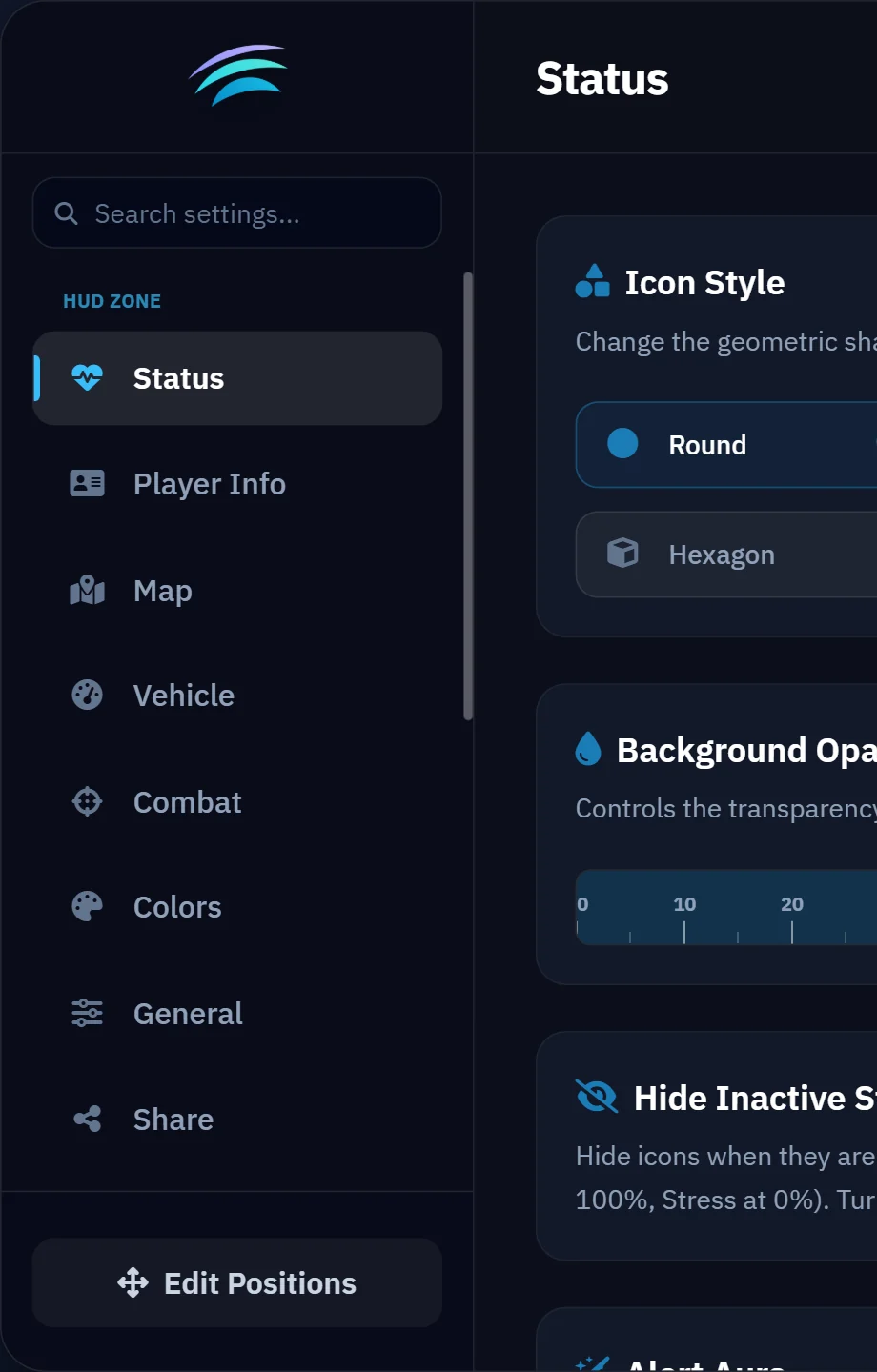
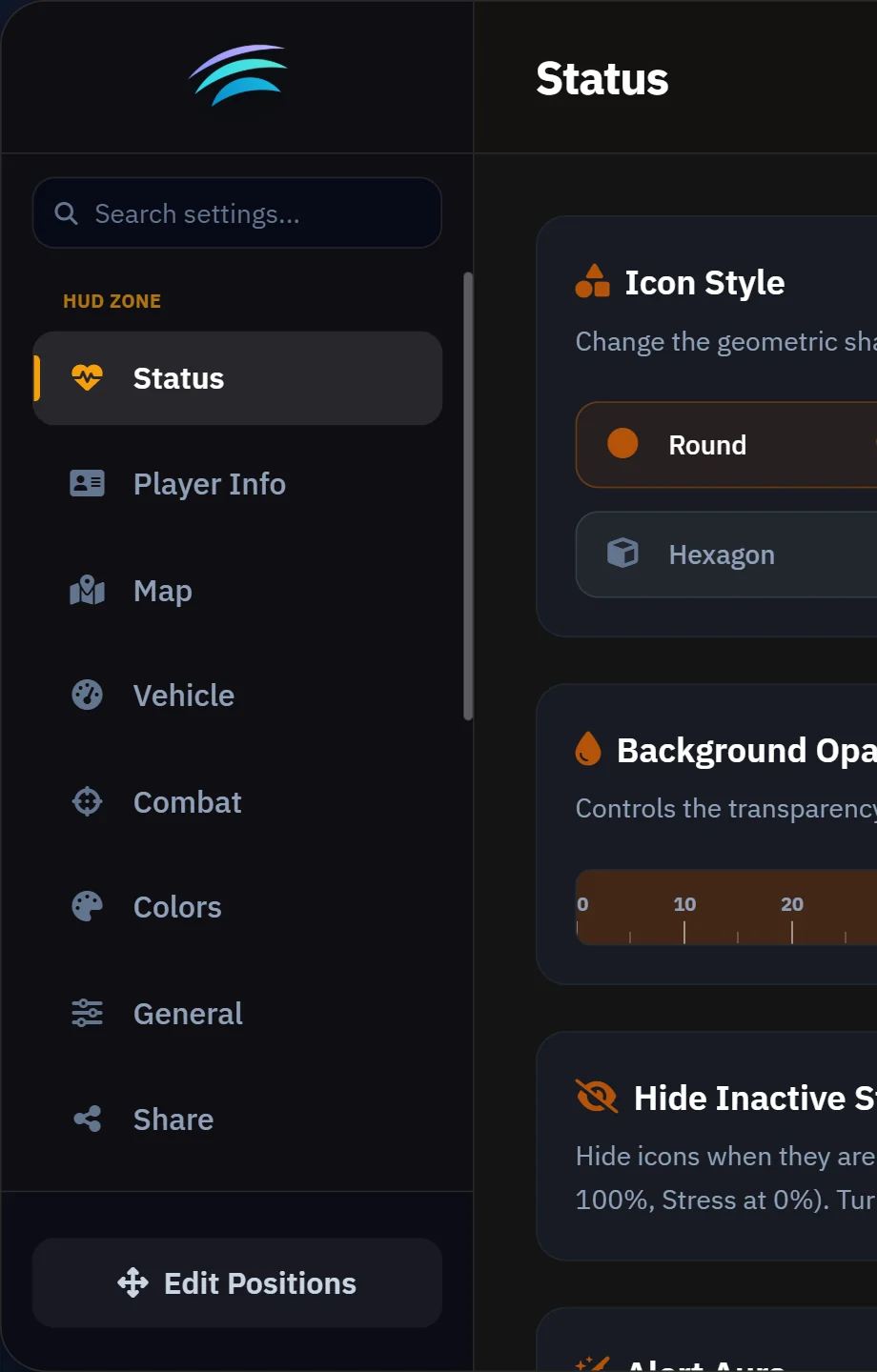
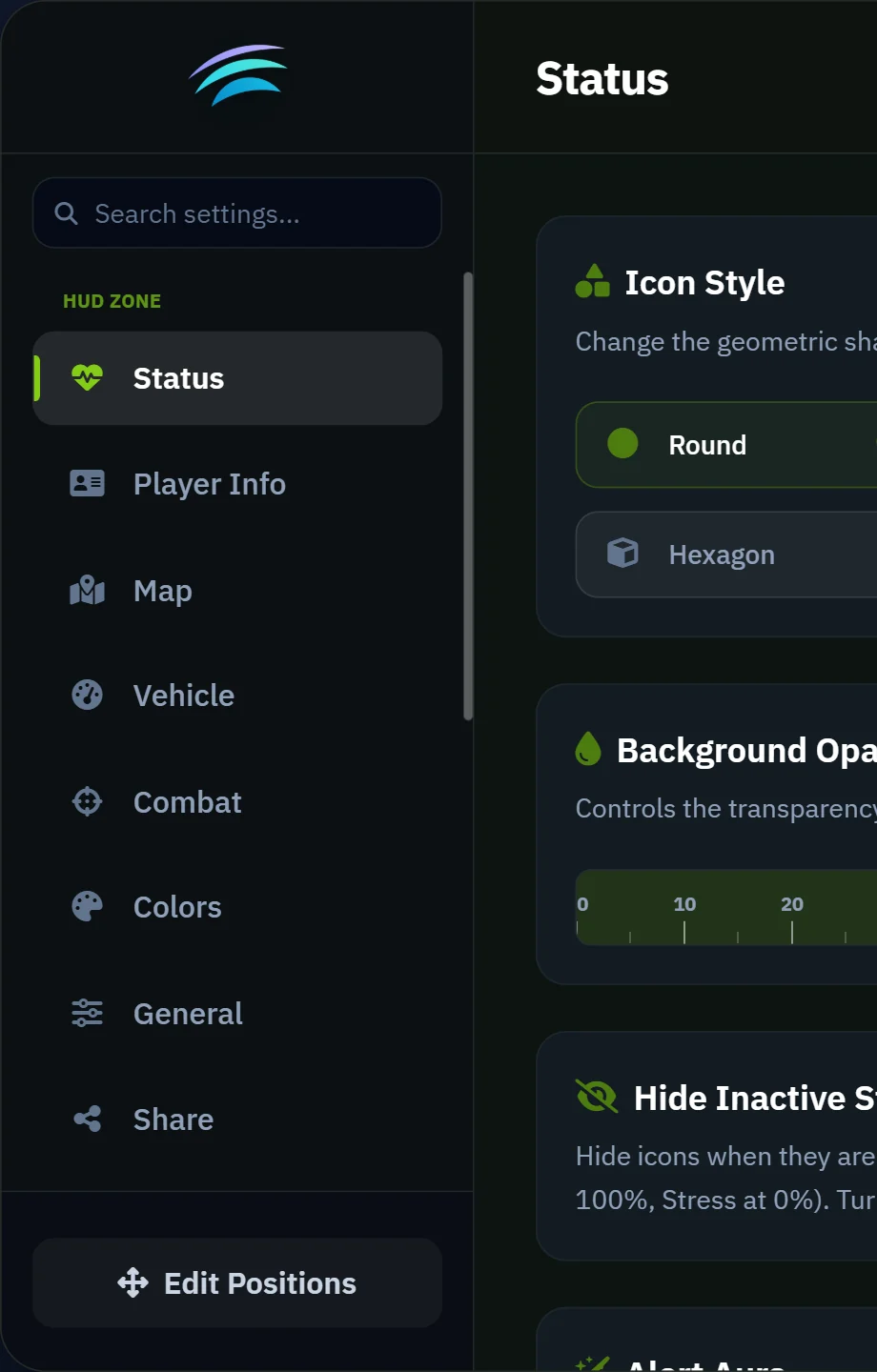
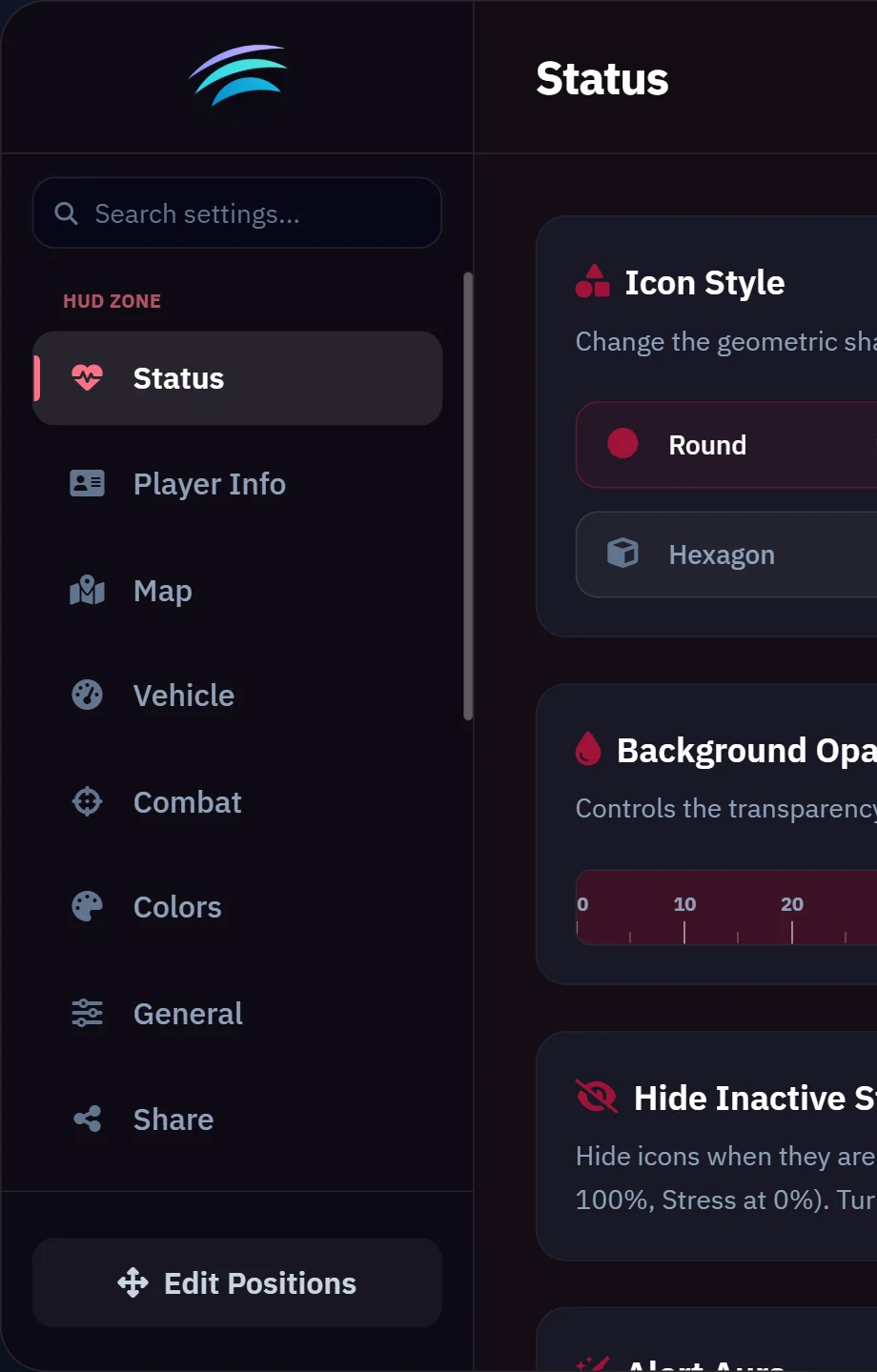
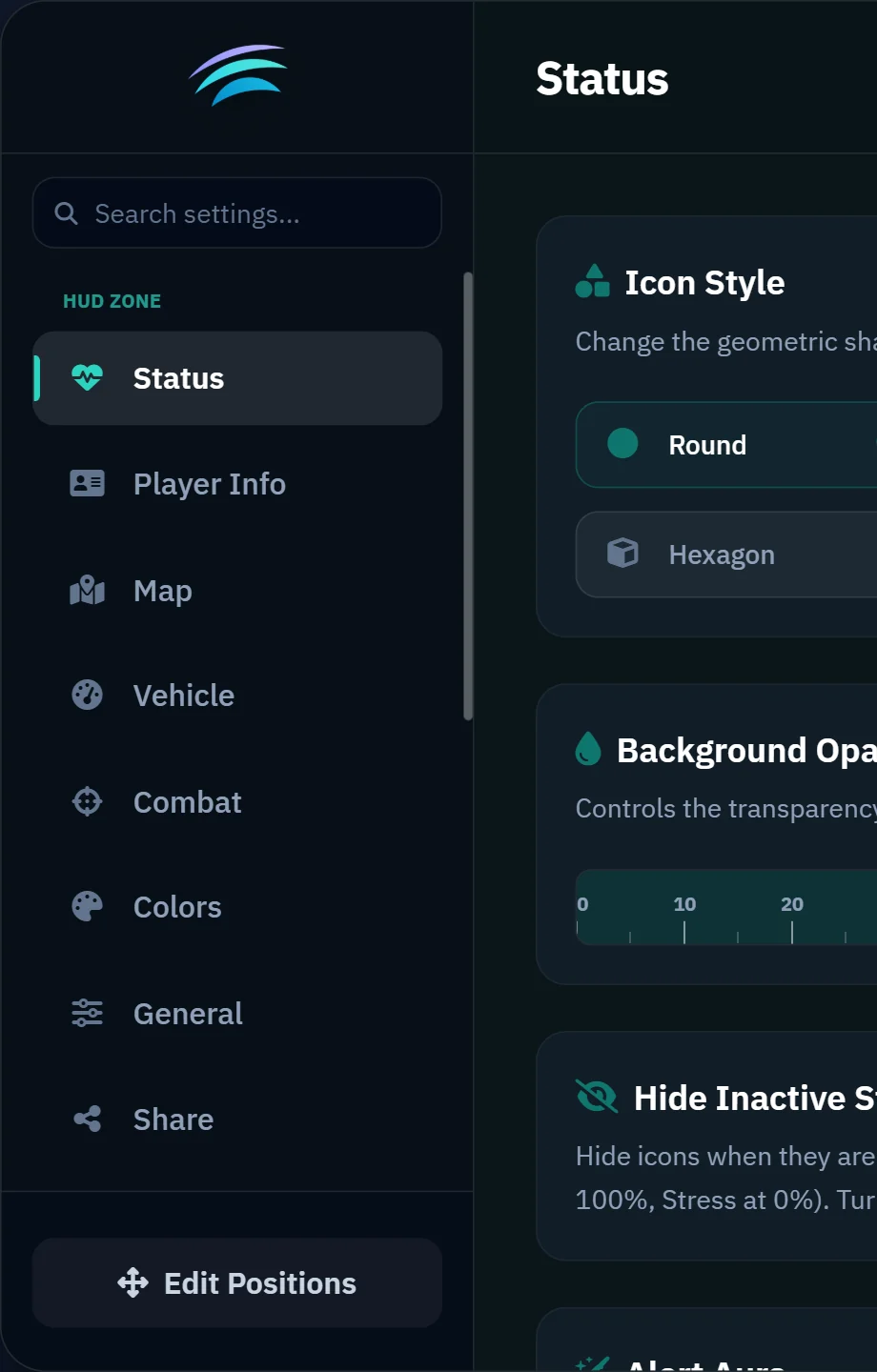
The same menu, five servers. Only the identity changes, and none of them is ours.
The readings
Every number here has a page behind it
| Measure | Value | Condition |
|---|---|---|
| Cost while driving | 0.03 ms | in resmon, Ryzen 5 3600 / RTX 3050, every widget on |
| Cost on foot | 0.00-0.01 ms | same machine, same session |
| Resources read by name | 28 | fuel, inventory, notify, voice, phone and banking |
| Languages in the player menu | 5 | shipped, and the file is yours to add to |
| Dependencies | 2 | ox_lib and oxmysql, both open source |
If something fails
It keeps running, and names what went quiet
Every integration runs inside a guard, so a renamed resource or a missing export takes the integration down and not the HUD. Roll Call is the record of it, read in /hud → Support: the resources the HUD looked for, and the one that never answered.
- ox_fuelfuel
- lc_fuelfuel
- LegacyFuelfuel
- qb-fuelfuel
- cdn-fuelfuel
- rcore_fuelfuel
- qs-fuelstationsfuel
- ox_inventoryinventory
- qs-inventoryinventory
- tgiann-inventoryinventory
- jaksam_inventoryinventory
- ak47_inventoryinventory
- ak47_qb_inventoryinventory
aurora_hudfuelinventorynotifyvoicephonebanking
- notifyox_lib
- notifyokokNotify
- notifybrutal_notify
- notifywasabi_notify
- notifymythic_notify
- notifypNotify
- voicepma-voice
- voicetokovoip_script
- voicesaltychat
- phonelb-phone
- phonegksphone
- phoneroadphone
- phoneqs-smartphone
- bankingps-banking
- bankingtgg-banking
config/client.lua and the resource is not started on that server.